For personal, non-commercial projects only (portfolios, personal blogs, hobby projects).
About
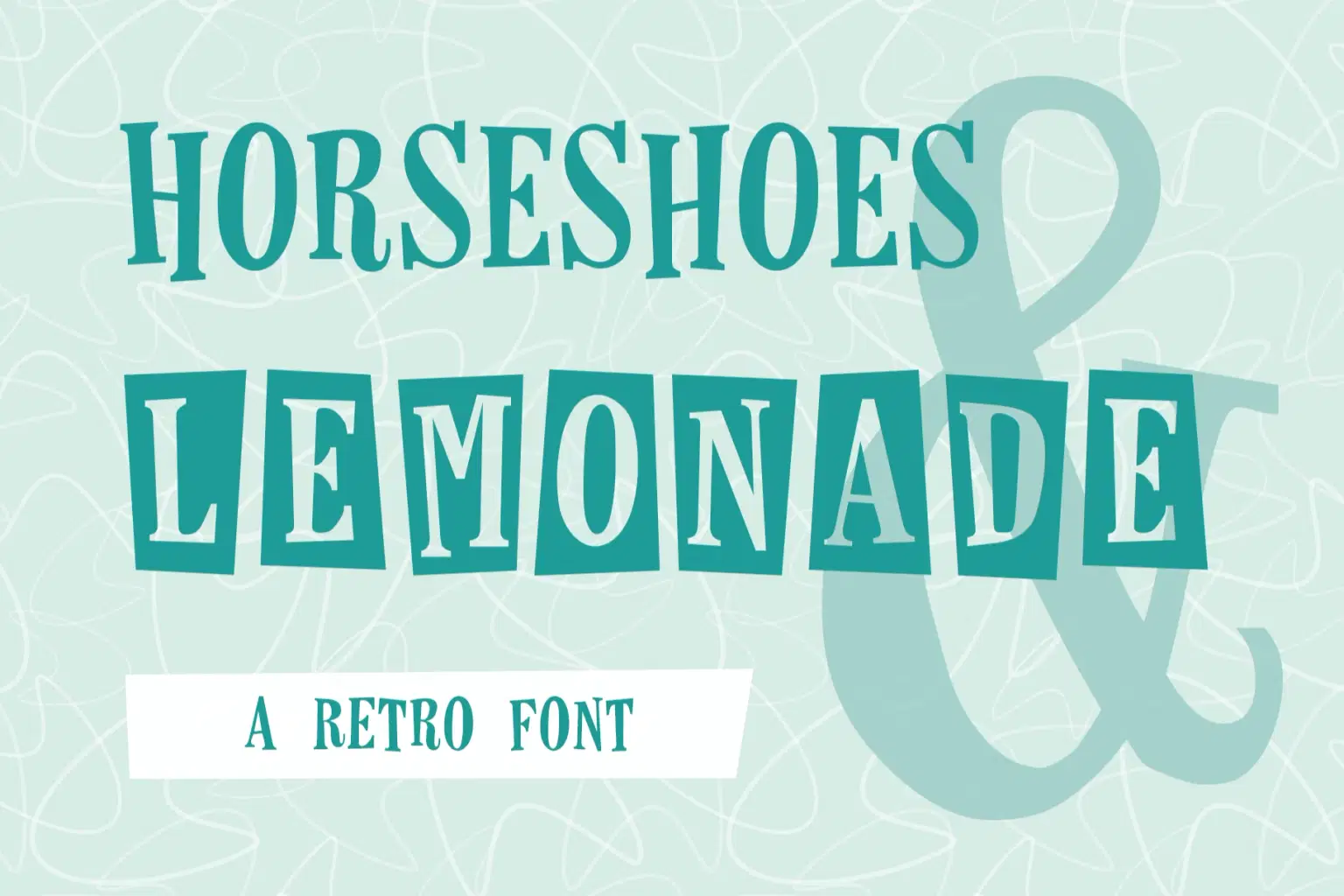
Inspired by vintage fifties and sixties design and advertising, the original Horseshoes & Lemonade is a serif font with exaggerated angles and an uneven rectangle background motif popular at the time. Although this font contains capital letters only, the lowercase characters offer variations and alternating between the two can create a more playful look.
Since the initial release, the family has grown with the additions of Horseshoes and Horseshoes Outline — letter only versions without the backgrounds.
As an added bones, this package includes a set of seamless retro backgrounds in PSD (created in Adobe 2022) and PNG formats and SVG shapes.
Shop confidently with Shuppi
If your download isn’t what was promised, we’ll make it right. Eligible purchases can be refunded within fourteen calendar days when listings mislead, files fail, or duplicate checkouts happen.
- Listings must match what you receive—no surprises.
- Corrupted files or technical issues? Request a quick fix or refund.
- Duplicate purchases are covered without the hassle.